Video Coming Soon
Planned: an instructional video to accompany the Learning Center lesson on flight controls.
Understanding Basic Flight Controls
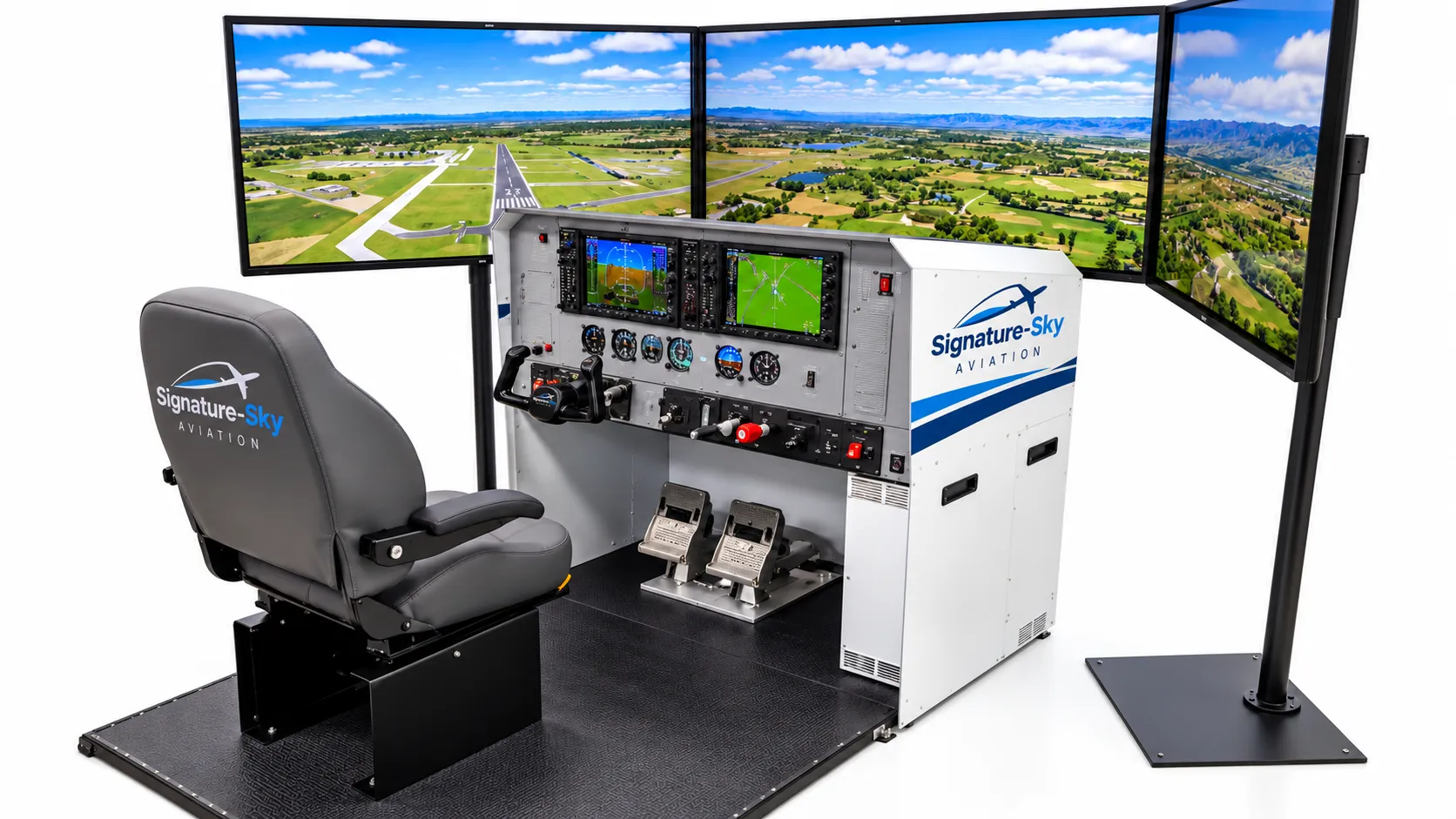
What the yoke, rudder pedals, throttle, and trim each do, demonstrated on the fixed-base training simulator.
Three axes, three controls
An aircraft rotates about three axes, and each has its own control surface:
| Motion | Axis | Control surface | You move |
|---|---|---|---|
| Pitch (nose up/down) | Lateral | Elevator | Yoke forward/back |
| Roll (wings tilt) | Longitudinal | Ailerons | Yoke left/right |
| Yaw (nose left/right) | Vertical | Rudder | Rudder pedals |
Pitch and the elevator
Pulling the yoke back raises the nose; pushing it forward lowers the nose. Combined with power, pitch is how you control airspeed and climb or descent.
Roll and the ailerons
Turning the yoke left lowers the left wing and the aircraft banks left. Banking is what makes the aircraft turn, so the ailerons are the primary way to change heading.
Yaw and the rudder
The pedals swing the nose left or right. In normal flight the rudder is used in small amounts to keep turns coordinated, countering the slight adverse yaw that aileron deflection produces. On the ground the pedals steer the nosewheel.
Light hands, small inputs
New pilots almost always over-control. Light aircraft respond to small, smooth pressures. A useful simulator exercise is to hold straight-and-level flight using as little movement as possible, then to make a gentle turn and roll out on a chosen heading.
Coordinating a turn
Roll into the bank with the yoke while adding a touch of rudder in the same direction. Watch the ball in the turn coordinator: if it slides out of its cage, “step on the ball” with the pedal on that side.
Key takeaways
- Yoke forward and back moves the elevator and controls pitch.
- Yoke left and right moves the ailerons and controls roll.
- Rudder pedals move the rudder and control yaw; they keep turns coordinated.
Educational material on this website is for familiarization and general interest. It does not replace instruction from a certificated flight instructor, and no simulator time described here should be assumed to count toward any pilot certificate or rating unless Signature-Sky Aviation has confirmed that status in writing.