The three ingredients
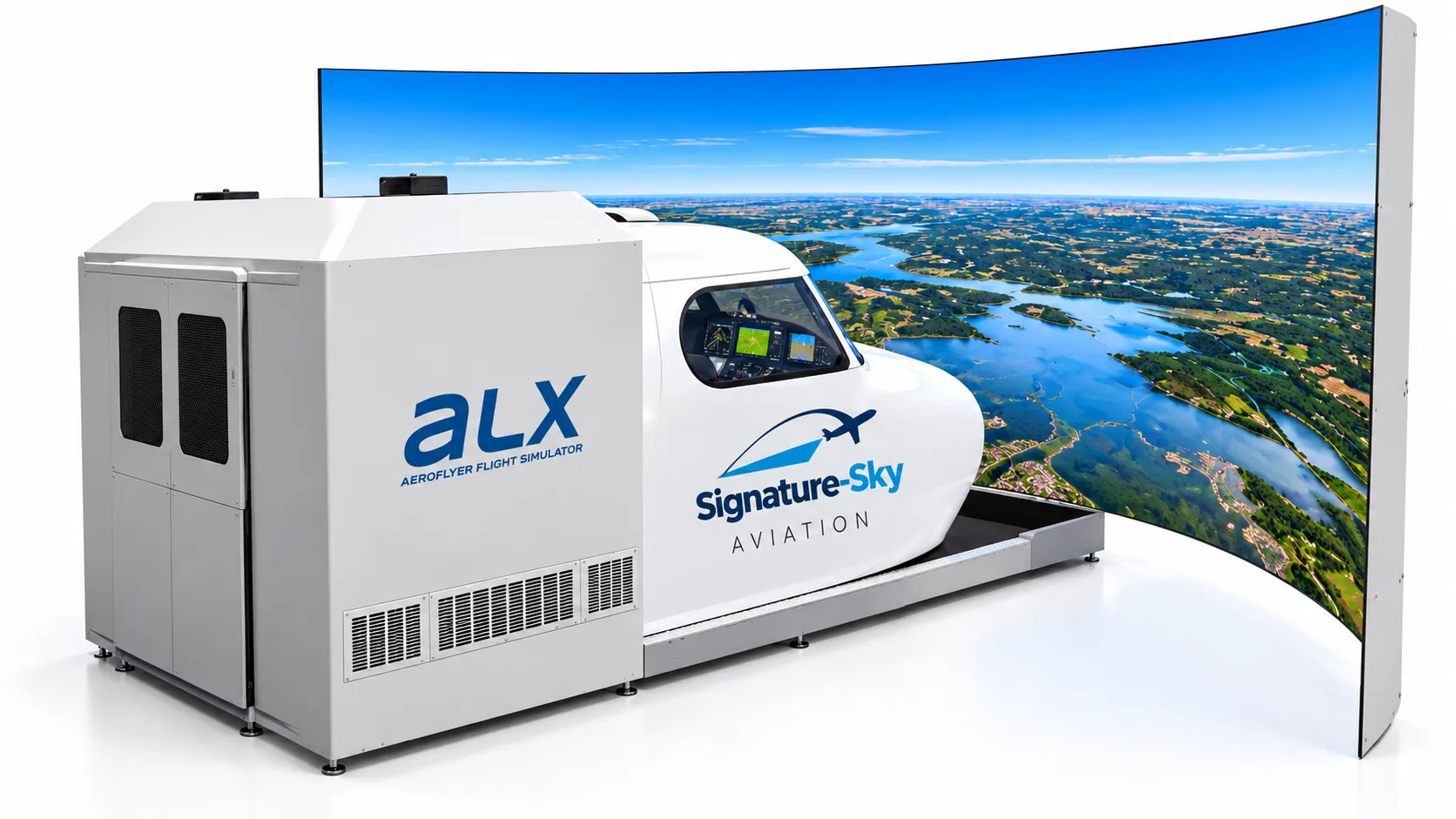
Every flight simulator, from a desktop panel to an enclosed cockpit, is built from the same three parts:
- Flight controls. A yoke or stick, rudder pedals, and a throttle. These are what your hands and feet actually move.
- An instrument panel. The gauges or screens that tell you how fast, how high, and in which direction you are flying.
- A visual system. One or more displays, or a curved panoramic screen, showing the world outside the windscreen.
Software ties the three together, computing how the simulated aircraft responds to what you do and updating the panel and visuals many times a second.
Why start in a simulator?
Aircraft are an expensive and unforgiving place to learn the basics. A simulator lets you:
- Pause. Freeze the picture, look at the instruments, and talk through what is happening.
- Repeat. Fly the same approach ten times in ten minutes.
- Reset. Start again from exactly the same point, in the same weather, with the same fuel.
- Experience the unusual. See what an engine failure or a low cloud base looks like without any risk.
What a simulator is not
A simulator is a learning tool, not a substitute for flight instruction. Whether time in a particular device counts toward any pilot certificate depends on the device, the regulator, and the training programme. Signature-Sky Aviation does not make that claim on this website, so always ask before assuming.
Where to go next
The next lesson walks through what a first session at Signature-Sky looks like, from briefing to debrief.
Key takeaways
- A flight simulator combines physical controls, an instrument panel, and an outside visual system.
- Simulators let you repeat, pause, and reset situations in a way an aircraft never can.
- Different simulator types trade portability for immersion; none of them replaces time with an instructor in the aircraft.
Educational material on this website is for familiarization and general interest. It does not replace instruction from a certificated flight instructor, and no simulator time described here should be assumed to count toward any pilot certificate or rating unless Signature-Sky Aviation has confirmed that status in writing.