Desktop and fixed-base simulators

Desktop Flight Simulator

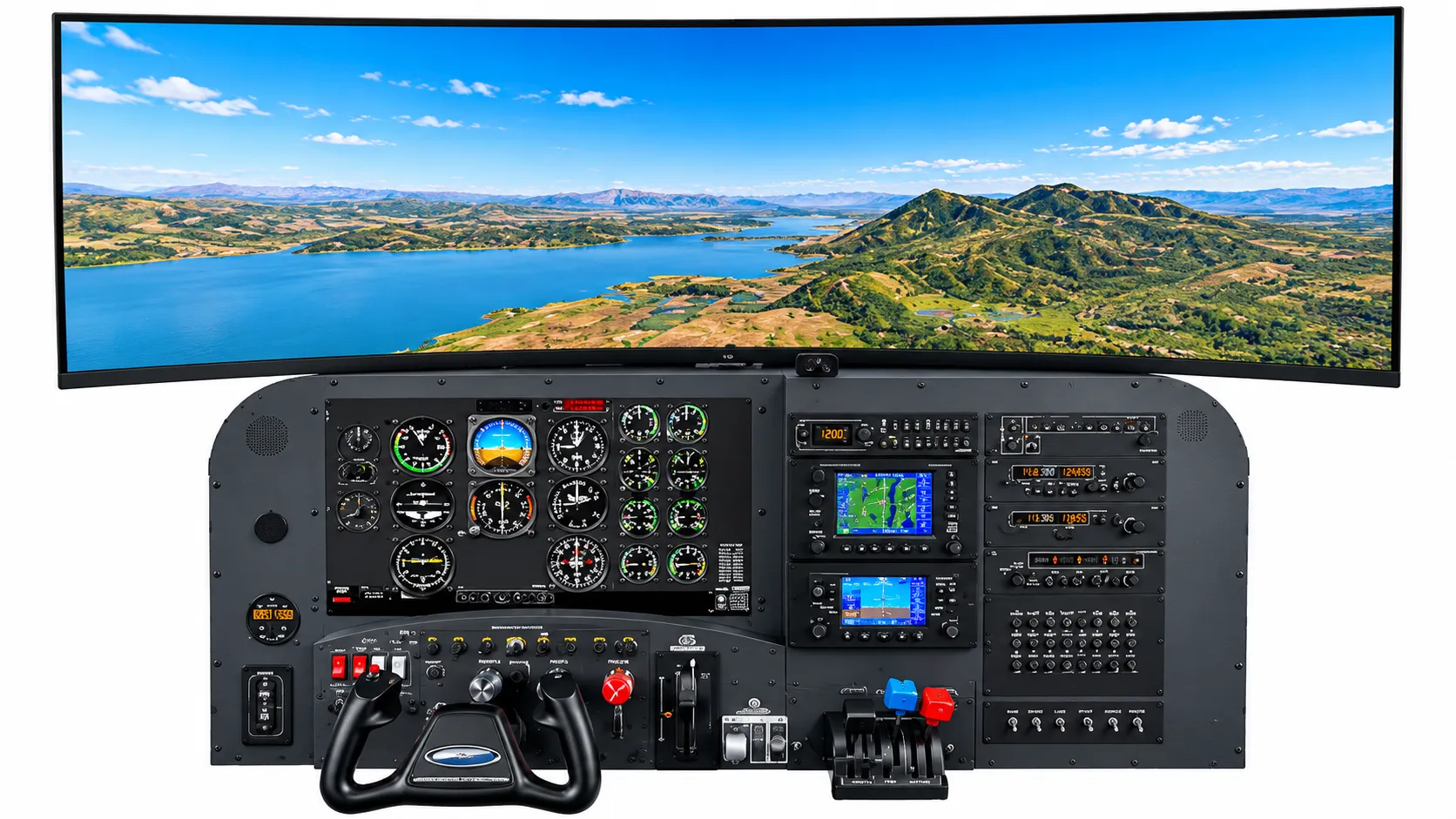
A compact instrument-panel simulator with a wide panoramic display, physical yoke, throttle quadrant, and avionics stack for learning the cockpit without leaving the ground.

Desktop flight simulator with an analog instrument panel, avionics stack, yoke, and a wide panoramic display showing a lake and mountains (concept rendering)
Concept rendering. Not a photograph of company-owned equipment.

Overview

The desktop flight simulator is the most approachable way to explore the cockpit. A realistic general-aviation instrument panel sits in front of a wide outside-view display, so you can learn how the gauges, radios, and navigation units relate to what the aircraft is doing.

Physical controls, a yoke, a throttle quadrant, and switches, mean the muscle memory you build carries over to larger simulators and, eventually, to the aircraft itself.

This page describes a placeholder product category. Signature-Sky Aviation will confirm the exact model, manufacturer, and configuration before publication.

Features

  • Realistic general-aviation instrument panel layout
  • Wide panoramic outside-view display
  • Physical yoke, throttle quadrant, and panel switches
  • Avionics stack with GPS and radio units

Intended use

  • First introductions to the cockpit
  • Instrument familiarization
  • Procedure practice

Gallery

  • Instrument panel with wide outside view

  • The real-aircraft panel the simulator layout mirrors

See This Simulator in Action

Video Coming Soon

Planned: a guided walkthrough of every simulator system.

Simulator Demonstrations

Simulator Overview

A walkthrough of the simulator lineup, from the desktop panel to the panoramic installation, and what each one is best at.

Frequently asked questions

Is this simulator suitable for a complete beginner?

Yes. The desktop simulator is designed as a first step: you can learn where the instruments are and how the controls feel at your own pace.

More simulators

Desktop and fixed-base simulators

Fixed-Base Training Simulator

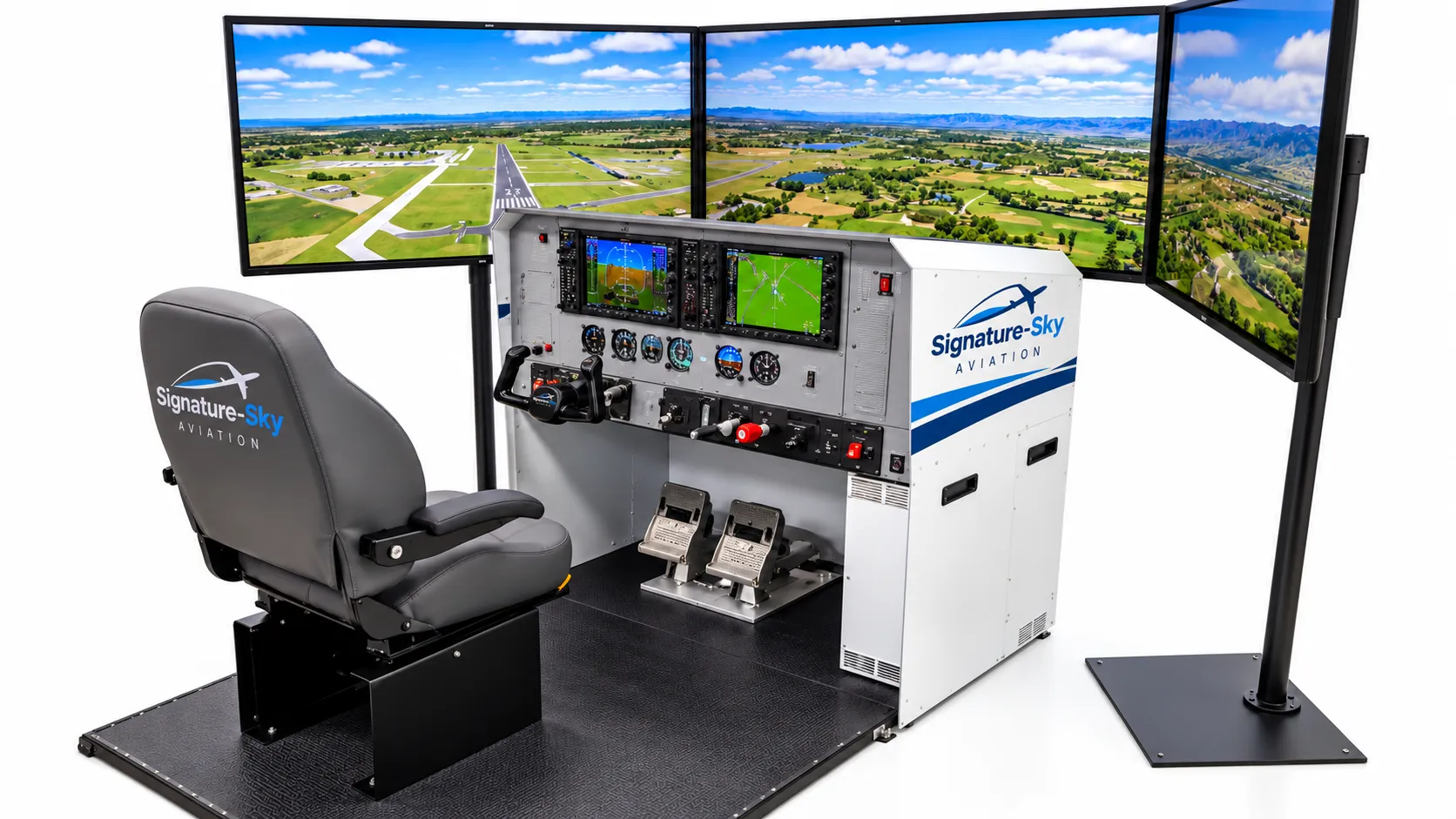
A seated, fixed-base cockpit station with a glass-cockpit panel, triple-screen visuals, rudder pedals, and a full set of flight controls.

  • Glass-cockpit primary and multifunction displays
  • Three-screen wraparound outside view
  • Yoke, throttle, mixture, and rudder pedals
  • Procedure training
  • Glass-cockpit familiarization
  • Demonstrations
View details

Professional cockpit simulation systems

Professional Cockpit Simulation System

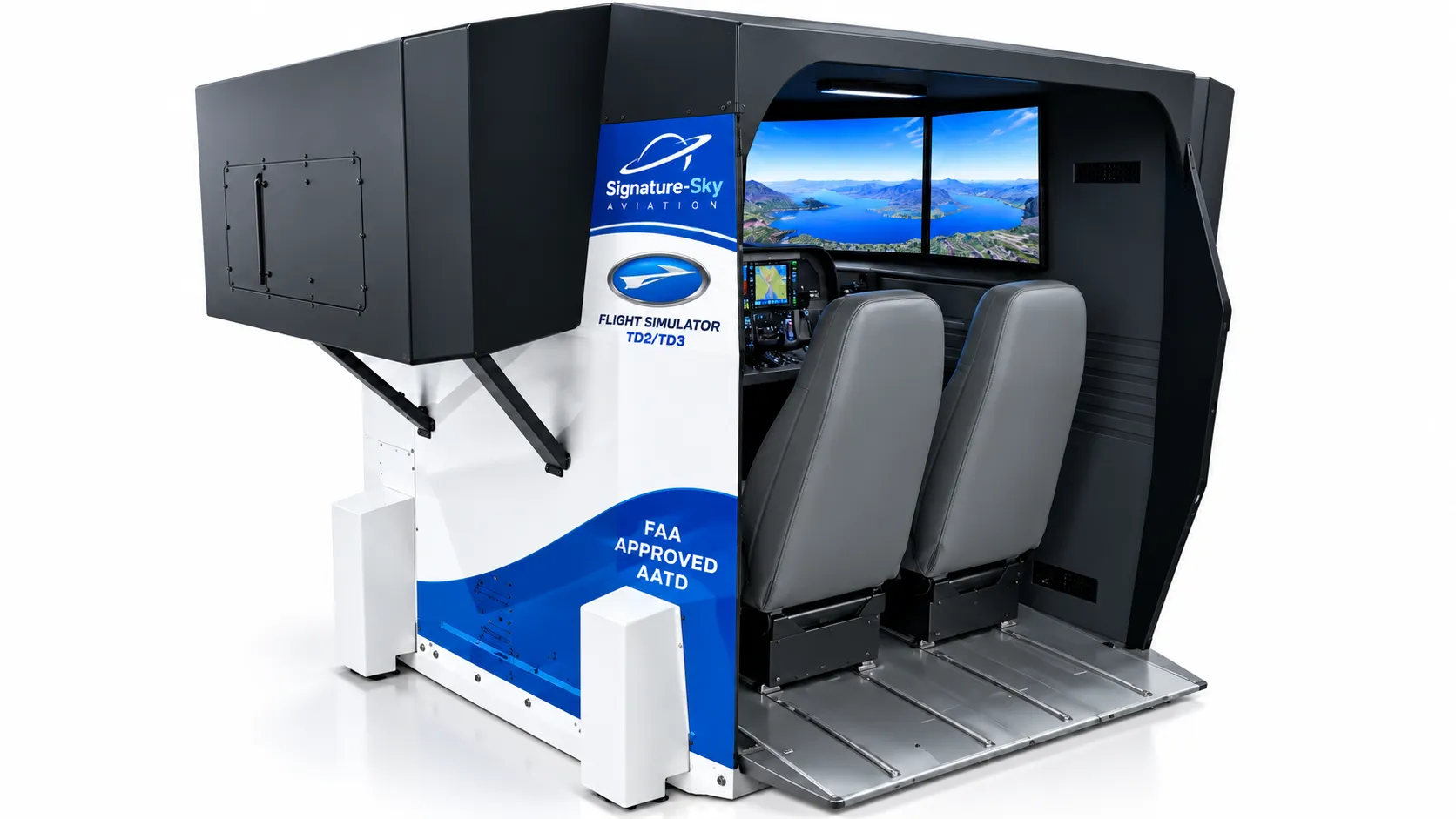
An enclosed two-seat cockpit with a full instrument panel, instructor controls, and a shrouded visual system for a focused, distraction-free simulation environment.

  • Enclosed cockpit with shrouded visual system
  • Two seats for pilot and instructor
  • Full instrument panel and controls
  • Guided sessions
  • Structured demonstrations
  • Immersive experiences
View details

Panoramic simulator installations

Panoramic Simulator Installation

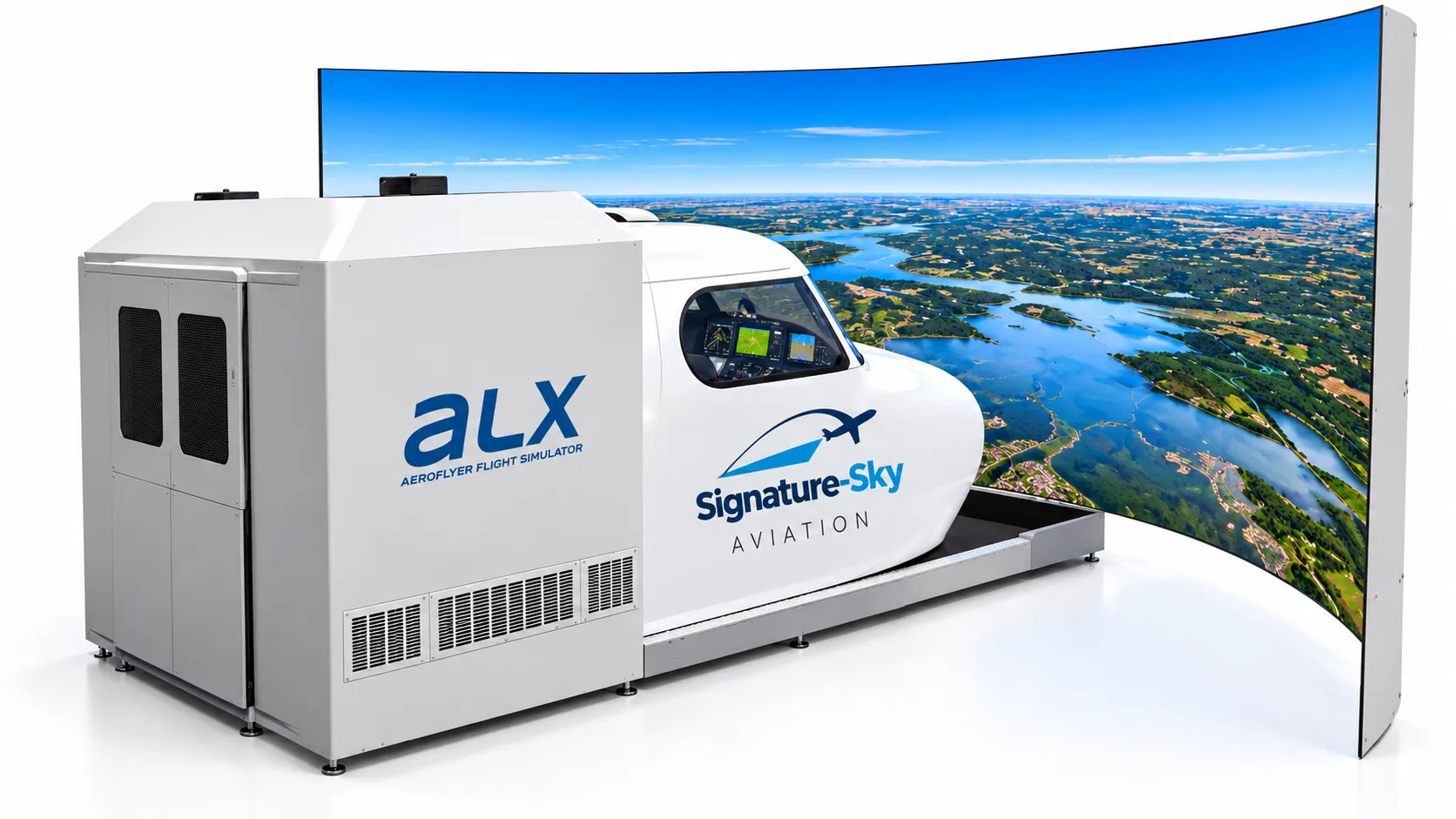
A cockpit module paired with a large curved panoramic screen that fills your field of view with the outside world.

  • Large curved panoramic visual display
  • Enclosed cockpit module
  • Wide field of view for visual flying
  • Scenic and visual flying
  • Showcase demonstrations
  • Group viewing
View details

Ready to Explore the World of Flight?

Tell us what you would like to experience, learn, or equip. We will come back to you with the right next step.